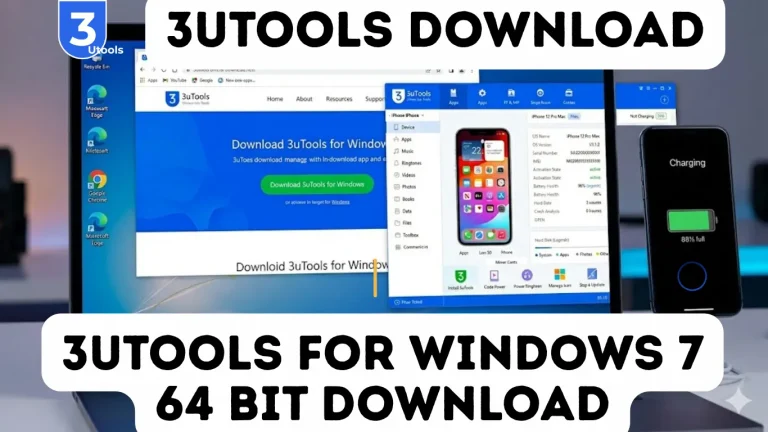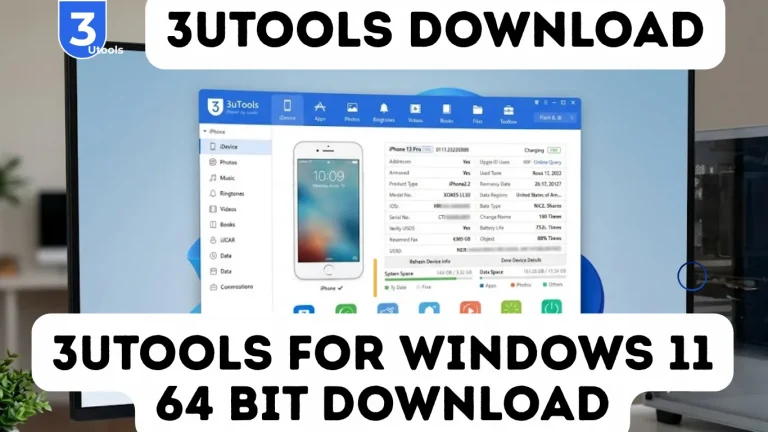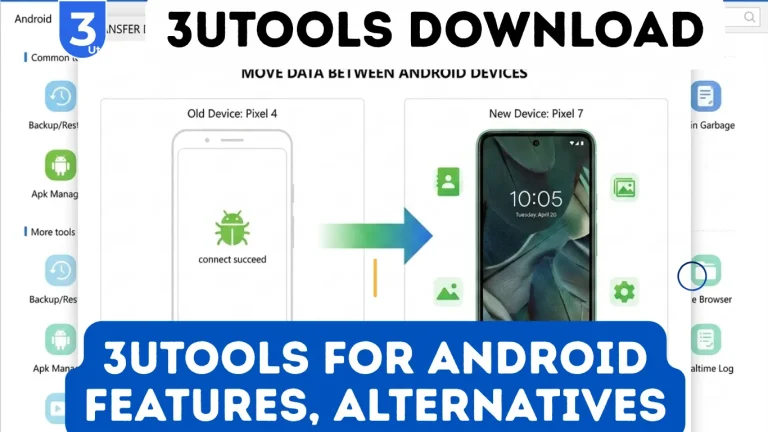
3uTools for Windows 7, 8, 10, and 11 Download Latest Version

Millions struggle to manage iPhones or iPads on Windows, facing slow transfers and sync issues with iTunes.
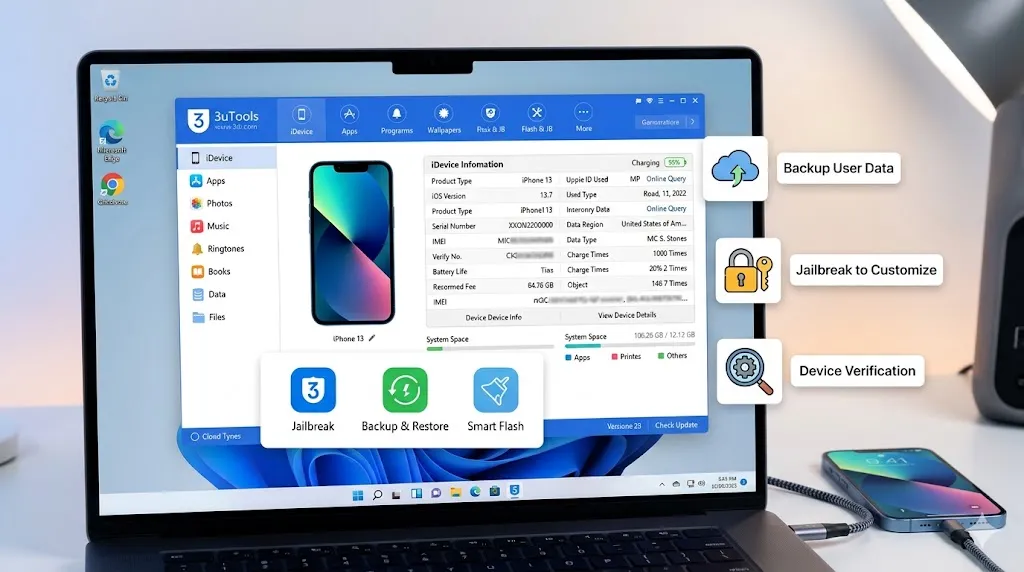
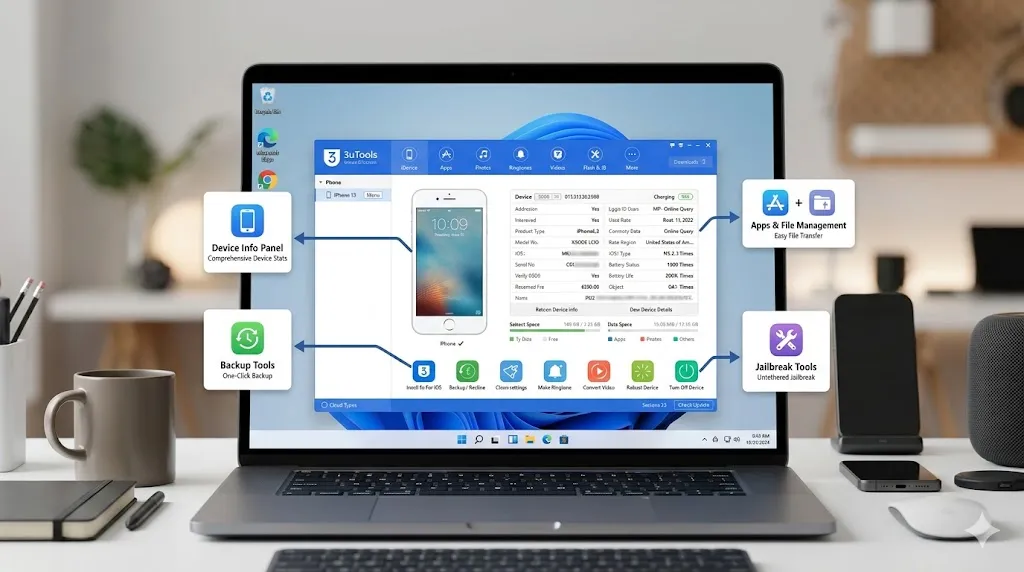
3uTools for Windows solves this by offering a free, all-in-one tool for file transfer, backups, firmware flashing, and jailbreak support on Windows 7–11.
It also shows device health (battery, temperature), and lets you create ringtones, manage media, and mirror screens.
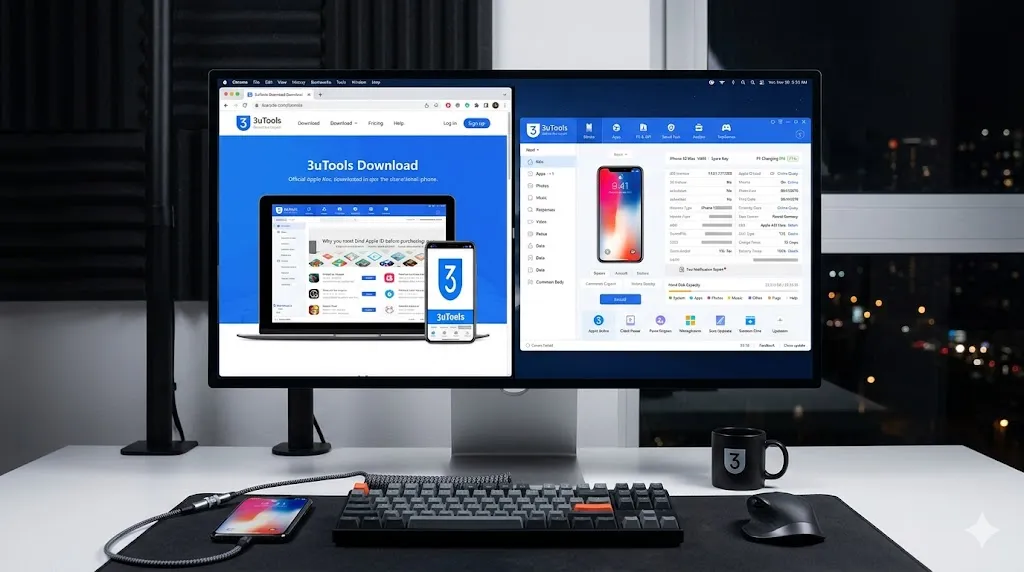
3uTools App Windows ( 7, 8, 10, and 11 ) for Download Latest Version (2026)

3uTools Download for Windows File Info

Attribute

Details

Application

3uTools Windows

Supports

Windows 7, 8, 10, 10.1, 11

License

Free

File Size

185 MB

Version

v9.03.031

Date

05.04.2026

Developer

3uTools Team

Language

English + 10 Languages

3uTools for Windows Features

  • Full iOS Data Management: back up photos, music, videos, apps, contacts, documents fast.
  • Social App Backup: safely store app chats and data from apps like WhatsApp.
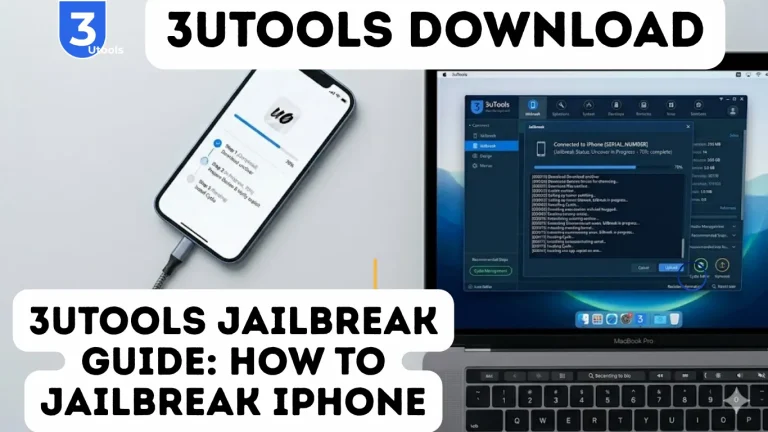
  • One-Click Jailbreak: unlock apps Apple restricts on iPhone and iPad.
  • Firmware Detection: quickly identify your device firmware with guided instructions.
  • Customize iDevice: download wallpapers, set ringtones, manage home screen icons.
  • Real-Time Logs: monitor device activity instantly.
  • Screen Sharing: mirror iPhone screen to Windows PC for gaming or presentations.
  • Backup & Restore Data: full or selective backups anytime.
  • Flash & Jailbreak iOS: update, downgrade, or modify firmware easily.
  • Video & Audio Conversion: convert formats without hassle.
  • Seamless Data Migration: transfer files iPhone ↔ Windows PC without iTunes.
  • Remove Invalid Icons: clean up clutter from iDevice easily.
  • Photo Compression: save storage by compressing images.
  • Make Ringtones: create custom ringtones from music or voice memos.
  • Halt iOS Updates: pause automatic updates when needed.
  • Manage Apps Without Apple ID: install, update, remove apps freely.
  • Monitor Battery & System Health: check battery cycles, storage, and overall performance.
  • 3uAirPlayer: mirror iPhone screen to PC smoothly.
  • HEIC to JPG Conversion: convert images quickly.
  • Virtual Location Spoofing: control GPS location for apps and testing.
3utools for windows

Why do you download 3uTools Windows?

Millions of iPhone and iPad users rely on 3uTools for Windows to simplify device management. It allows users to flash, jailbreak, back up, and customize iOS devices easily without depending on iTunes. You can also install third-party apps not available on the App Store and manage photos, videos, music, and other files quickly.

The tool also helps check device hardware details like battery health and supports fast file transfer between PC and iOS devices. With features like Smart Flash, users can safely update or restore firmware. Overall, it is a free, reliable, and powerful solution for complete iOS device control and customization.

Technical Capabilities That Actually Matter

  • File Management: Full access to iPhone/iPad files, organize folders, transfer any file type.
  • Backup & Restore: Quick or full backups, including Social App Backup for WhatsApp and apps.
  • App Management: Install apps and IPA files from Windows PC, including beta or region-locked apps.
  • One-Click Jailbreak: Safe jailbreak with automatic firmware detection.
  • Device Customization: Wallpapers, custom ringtones, manage home screen layouts.
  • Virtual Location & Monitoring: GPS spoofing, screen sharing, real-time device monitoring.
  • AI & Machine Learning: Implement AI agents, model optimization, MLOps workflows.
  • Systems & Infrastructure: Cloud-edge computing, Kubernetes, Docker, secure systems design.
  • Data Engineering: Analyze, clean, and leverage data efficiently.
  • Cybersecurity & Adaptability: Protect devices, quickly learn new frameworks.

3uTools Installation for Windows

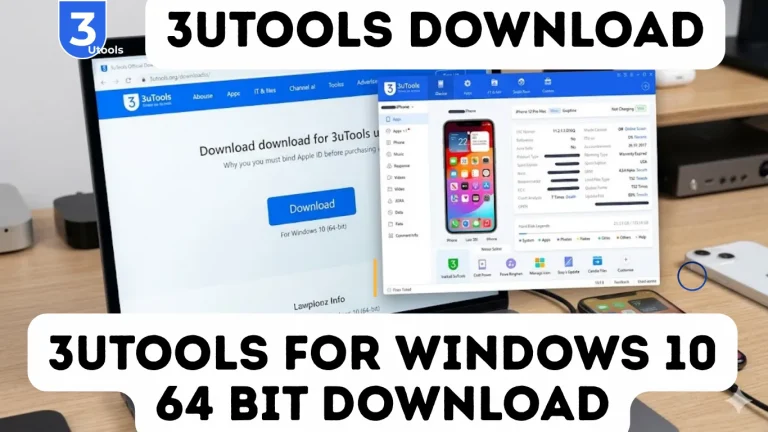
Installing 3uTools Windows is simple, designed for both 32-bit and 64-bit Windows systems. The setup is quick, usually taking only a few minutes. Once installed, the software automatically detects connected iOS devices, such as iPhone or iPad, without extra configuration.

Key Installation Steps:

  • Download 3uTools: Visit the official 3uTools website or trusted sources like Softonic, Uptodown, or Gizmodo to get the latest Windows installer.
  • Run Installer: Double-click the downloaded .exe file from the Downloads folder to start installation.
  • Choose Setup: Opt for Quick Install or Custom Install to select your destination folder.
  • Launch 3uTools: Open the program immediately after setup to manage your iOS devices.
  • Connect Device: Use a USB cable to connect your iPhone/iPad. 3uTools automatically detects the device, enabling file management, flashing, and jailbreaking.

Why You Should Download 3uTools on Windows
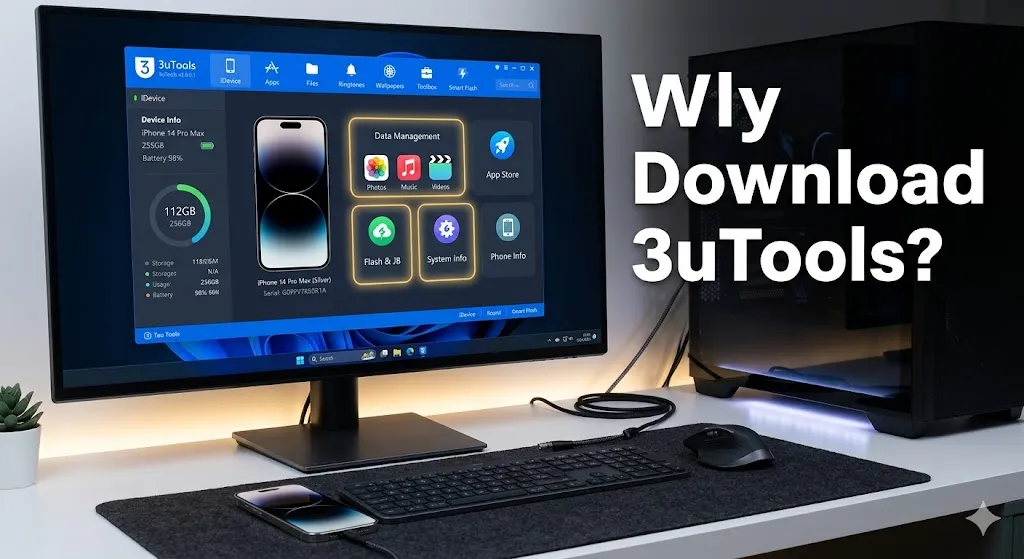
Why You Should Download 3uTools on Windows
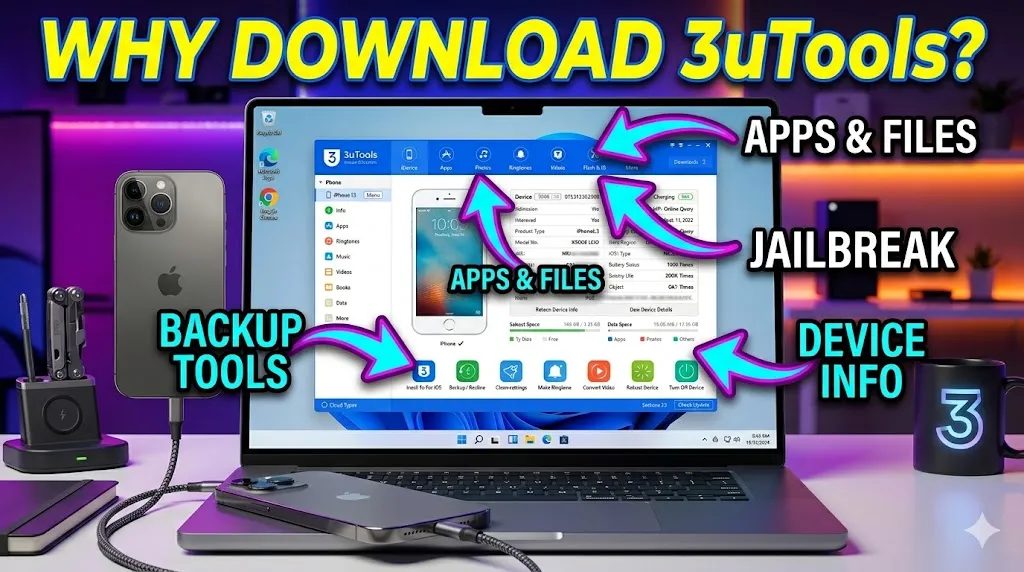
download 3utools windows
3UTools Windows Comprehensive Device Management
  • Comprehensive Device Management: Manage iPhone or iPad media, apps, and files more efficiently than iTunes, with superior file transfer and organization.
  • iOS Flashing and Jailbreaking: Supports official/custom firmware, jailbreaking, device activation, and bypassing locks for enhanced device freedom.
  • Backup and Restore: Seamlessly backup iOS data to your Windows PC and restore it safely, preventing data loss.
  • Advanced Diagnostics: Check battery health, charging cycles, storage, and warranty status instantly with built-in device info tools.
  • Customization and Utilities: Personalize your iPhone/iPad with free ringtones and wallpapers, plus use utilities like screen mirroring, data cleaning, and file transfer.
  • Safe and Free: 3uTools is entirely free, ad-free, and trusted on platforms like Gizmodo, Softonic, and Uptodown.

Why Do We Need 3uTools for Windows?

  • All-in-One iOS Manager: Manage your iPhone and iPad on Windows without needing iTunes.
  • Easy Firmware Control: Flash, upgrade, or downgrade iOS versions safely.
  • Simple Jailbreaking: Unlock device customization and install tweaks effortlessly.
  • Seamless Data Transfer: Move photos, videos, apps, music between PC and iOS.
  • Reliable Backup & Recovery: Protect your contacts, messages, and media with full or selective backups.
  • Advanced Device Info: Check battery status, activation lock, and jailbreak condition in real time.
  • Personalization Options: Add ringtones, wallpapers, and make your device truly yours.
  • Performance Boost: Clean unnecessary files, optimize apps, and keep your device running smoothly.

How to Use 3uTools for Windows PC?

  • Download & Install: Get 3uTools from 3u.com and complete setup.
  • Connect Device: Plug in iPhone/iPad via USB and tap “Trust.”
  • View Info: Check battery, iOS version, storage, and status.
  • Use Tabs: Manage Photos, Music, Apps, Files, and Flash & JB.
  • Flash/Jailbreak: Install firmware or jailbreak via Flash & JB.
  • Backup & Restore: Save or restore contacts, media, and data.
  • Advanced Tools: Use Virtual Location, screen mirror, and data erase.
  • Install iTunes: Needed for proper driver support.
  • Monitor Device: Track battery health and system status.
  • Safety Tips: Flashing/jailbreaking may risk data or warranty.

Most Advance iOS Managing Tools Which Available With 3uTools

  • 3uTools: Free all-in-one Windows-based iOS management toolkit for iPhone and iPad.
  • Backup/Restore: Securely backup and restore iOS data without iTunes.
  • Migrate Data: Transfer apps, media, and files between devices and Windows PC.
  • Clean Garbage: Remove junk files to optimize device storage.
  • Compress Photos: Reduce photo size without losing quality.
  • Make Ringtones: Create custom ringtones easily.
  • Icon Management Tool: Organize iPhone/iPad icons efficiently.
  • Convert Videos & Audios: Format media for compatibility across iOS devices.
  • Realtime Screen Monitoring: View and record device screens using 3uAirPlayer.
  • Stop iOS Update: Prevent unwanted iOS updates for device stability.
  • Smart Flash & Firmware Maintenance: Flash, restore, upgrade, downgrade firmware; save SHSH blobs.
  • One-Click Jailbreak & Customization: Supports tethered, untethered, and semi-tethered jailbreaks.
  • Virtual Location: Set fake GPS for privacy or testing.
  • Battery Repair & Diagnostics: Fix battery reporting issues with Battery Flash Repair.
  • Device Management Toolkit: Includes File Browser & Editor, Photo Deduplication, and IPA Signature for unsigned apps.
  • Trusted & Featured: Recommended by Gizmodo, Softonic, and Uptodown.
  • Compatibility: Works on Windows 7, 8, 10, 11.

3uTools for Windows: Seamless iOS Management

3uTools for Windows is a free, all-in-one tool for seamless iOS management. It lets you transfer apps, photos, music, and videos between iPhone, iPad, and PC. With iOS flashing, one-click jailbreak, and data backup/restore, managing devices is easier than ever.
Features like real-time screen sharing, virtual location, file explorer, and battery diagnostics give complete control. Safe, user-friendly, and regularly updated, 3uTools replaces multiple tools, offering a powerful alternative to iTunes.

Pros

  • User-Friendly Interface: 3uTools provides an intuitive and clear interface for iPhone and iPad management
  • Diverse Utilities: Manage apps, photos, music, ringtones, videos, and more, all from Windows PC 
  • Virtual Localization: The Virtual Location feature allows GPS spoofing and location customization 
  • Flash & Jailbreak: Easily flash firmware or jailbreak iOS devices, including iOS updates or downgrades 
  • Completely Free: Unlike other tools like iMazing, 3uTools is free with no subscription required
  • Device Insights: Provides detailed info: battery health, charging cycles, activation, and jailbreak status
  • Repair & Boot Loop Fix: Helps fix boot loops, repair iOS firmware, and restore devices without iTunes

Cons

  • Limited to Windows: Only works on Windows PC; Mac support is minimal or unsupported
  • Privacy & Security Concerns: As a third-party tool, it may collect device data; not Apple endorsed 
  • Risk of Data Loss: Incorrect use of flashing or jailbreaking can cause instability or data corruption
  • No Official Support: Being free, 3uTools lacks formal technical support team
  •  Occasional Inaccuracies: Device info like battery status may sometimes display incorrectly
  • Not in Windows App Store: 3uTools must be downloaded from 3u.com or Uptodown, not the Microsoft Store

Conclusion

FAQs

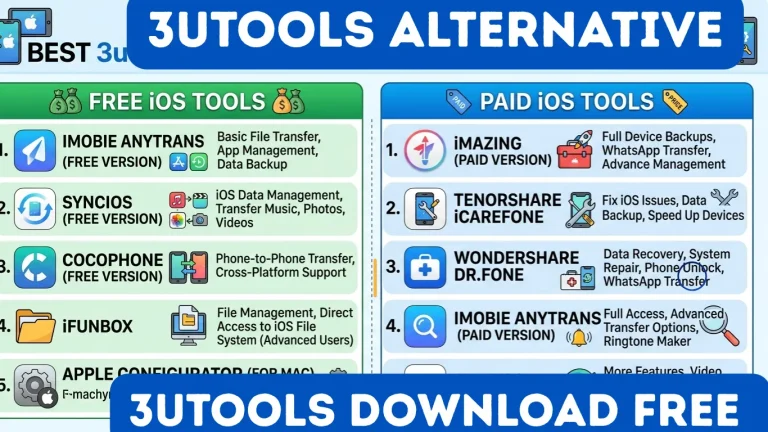
Safe and free alternatives include iTools, iMazing, and MultiFone Activation Unlocker for managing iPhone and iPad devices.

Visit the official 3uTools website or trusted platforms like Uptodown or Softonic to download and install 3uTools for Windows 10/11.

Absolutely, it allows managing photos, videos, music, apps, and even unofficial applications with a user-friendly interface.

Yes, 3uTools for Windows is completely free, offering flashing, jailbreaking, backup, and file management without subscriptions.

Generally safe, verified by platforms like Softonic, but caution is advised as it’s a third-party tool for iOS devices.

Similar Posts

Leave a Reply

Your email address will not be published. Required fields are marked *