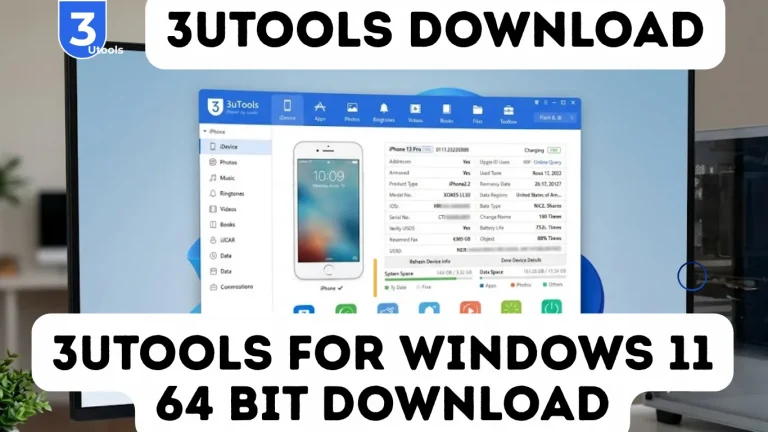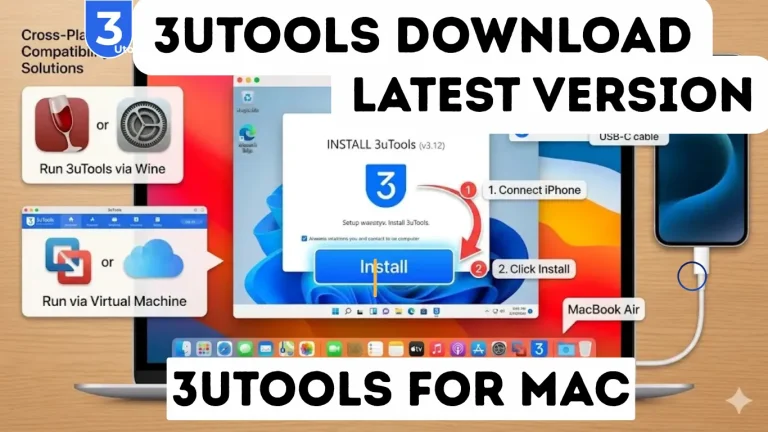
3uTools Jailbreak Guide: How to Jailbreak iPhone (Unc0ver 2026)
Apple devices are known for strong security and stability, but many users feel limited by iOS restrictions. Unlike Android, Apple controls apps, system settings, and customization options, which is why some users choose jailbreaking. Jailbreaking removes these restrictions and gives more control, allowing customization and advanced features. One common method is using 3uTools with Unc0ver, which simplifies the process. In this guide, you will learn what jailbreaking is, why it fails, how to do it, common issues, and important safety and legal points.
What is 3uTools Jailbreak?
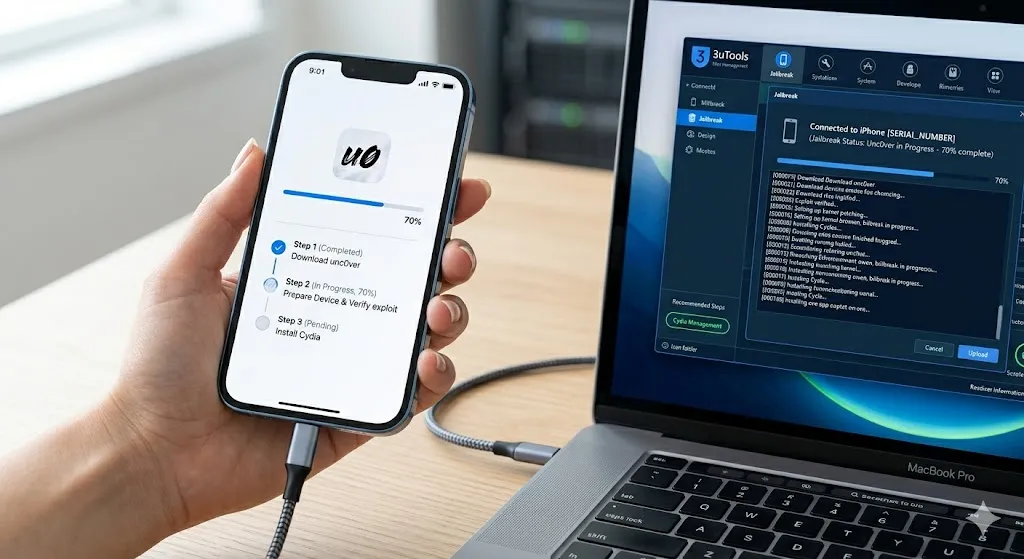
3uTools Jailbreak refers to the process of using the 3uTools software to help install or run jailbreak tools on an iPhone or iPad in a simplified and automated way.
Instead of manually handling complex jailbreak steps, 3uTools provides a user-friendly interface that guides users through device detection, driver setup, and jailbreak tool execution.
In simple words, 3uTools acts as a management tool that makes jailbreaking easier and more organized, especially for beginners who may find manual jailbreak methods difficult.
How 3uTools Jailbreak Works
3uTools does not directly “hack” the device itself. Instead, it:
This reduces manual errors and improves the chances of a successful jailbreak.
Features of 3uTools Jailbreak
Why People Use 3uTools for Jailbreaking
Many users prefer 3uTools because it simplifies a complex process. Traditional jailbreak methods often require multiple tools, technical knowledge, and manual troubleshooting. With 3uTools, most of these steps are handled automatically.
It is especially useful for:
What You Can Do After Jailbreaking
Once an iPhone is successfully jailbroken, users gain access to many advanced capabilities, such as:
Why Jailbreaking Requires Caution
Even though jailbreaking provides powerful benefits, it also modifies the core structure of iOS, which can lead to risks if not handled properly.
Some potential issues include:
Because of these risks, it is very important to use trusted tools and follow proper steps when jailbreaking.
What Is iPhone Jailbreaking?
Jailbreaking is a process that removes Apple’s software restrictions on iOS devices. It allows users to gain root access to the operating system, enabling them to modify system files and install third-party applications.
After jailbreaking, users can:
However, jailbreaking must be done carefully because improper methods can cause system errors or device instability.
3uTools iOS Jailbreak & Flash Tool
3uTools Jailbreak & Flash Tool is powerful all-in-one software designed for managing and modifying iPhone and iPad devices easily. It allows users to perform advanced tasks such as jailbreaking iOS devices, flashing firmware, backing up data, and fixing system issues.
With its easy-to-use interface, 3uTools automatically detects connected devices, installs required drivers, and provides access to jailbreak tools like Unc0ver. It also includes a flash feature that helps users upgrade, downgrade, or restore iOS firmware to fix system problems.
These problems include boot loops, software errors, and device performance issues that can affect normal iPhone or iPad usage.
Overall, 3uTools is widely used by technicians and advanced users because it combines multiple iOS management features in one platform. It makes complex processes much easier, faster, and more efficient for users who want better control over their devices.
Why Many Jailbreak Attempts Fail
Many users attempt to jailbreak their devices but encounter problems during the process. The most common reason is the use of outdated tools or incorrect tutorials.
Unsupported iOS Versions
Not every jailbreak tool works with every version of iOS. If you attempt to jailbreak an unsupported version, the process may fail or cause errors.
Always check compatibility before starting.
Interrupting the Jailbreak Process
Disconnecting the device or shutting down the computer during the jailbreak process can cause serious issues such as boot loops or system crashes.
Using reliable software like 3uTools helps avoid many of these problems because it manages drivers, compatibility checks, and installation automatically.
Device Connection Problems
Jailbreak tools require stable communication between the computer and the iPhone. If the USB connection is unstable or drivers are missing, the jailbreak process may stop midway.
Fake Jailbreak Tools
The internet is full of fake jailbreak websites that promise instant online jailbreaks. Many of these services install useless profiles or malware instead of real jailbreak tools.
Users should only download tools from trusted sources.
Why Jailbreaking Requires Caution
Even though jailbreaking provides powerful benefits, it also modifies the core structure of iOS, which can lead to risks if not handled properly.
Because of these risks, it is very important to use trusted tools and follow proper steps when jailbreaking.
What Is Unc0ver Jailbreak?
Unc0ver is one of the most reliable jailbreak tools available for modern iOS devices. It uses advanced techniques to modify the system while maintaining stability.
Some key features of Unc0ver include:
Unlike older jailbreak tools that modify core system files aggressively, Unc0ver uses safer techniques that maintain better system performance.
Many Apple services such as iCloud, iMessage, FaceTime, and notifications continue working normally on most jailbroken devices.
When combined with 3uTools, the installation process becomes simpler because the software handles most technical steps automatically.
Is Jailbreaking Legal?
In many countries, including the United States, jailbreaking is legal under digital copyright exemptions.
Always review your local regulations before modifying your device.
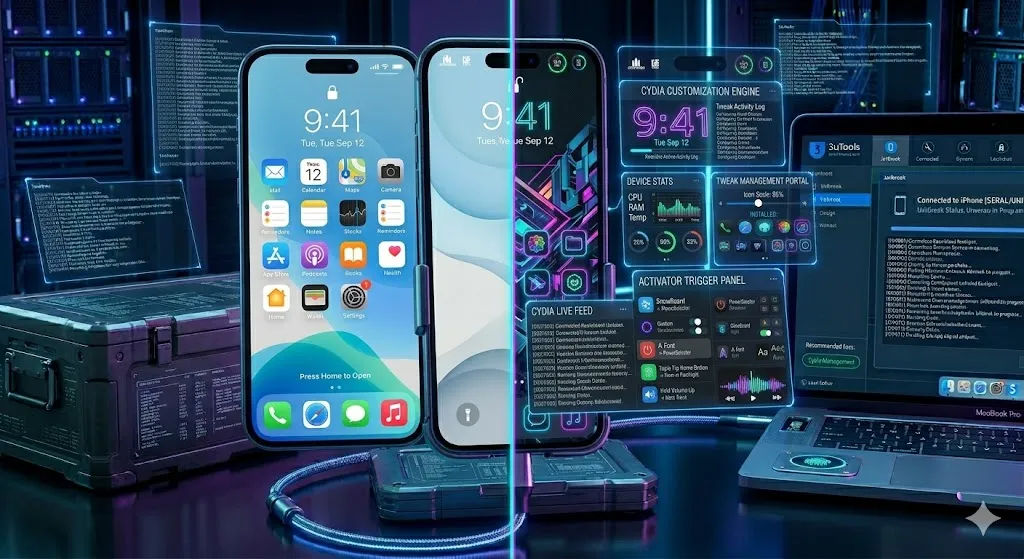
Best Tweaks for Jailbroken iPhone
How to Jailbreak iPhone Using 3uTools and Unc0ver
Follow these steps carefully to jailbreak your iPhone safely.
Step 1: Backup Your Device
Before beginning, always create a complete backup. You can use:
- iTunes backup
- iCloud backup
- 3uTools backup feature
This ensures your personal data is safe in case anything goes wrong.
Step 2: Disable Security Features
Temporarily disable:
- Find My iPhone
- Passcode lock
- Face ID or Touch ID
These settings can sometimes interfere with jailbreak exploits.
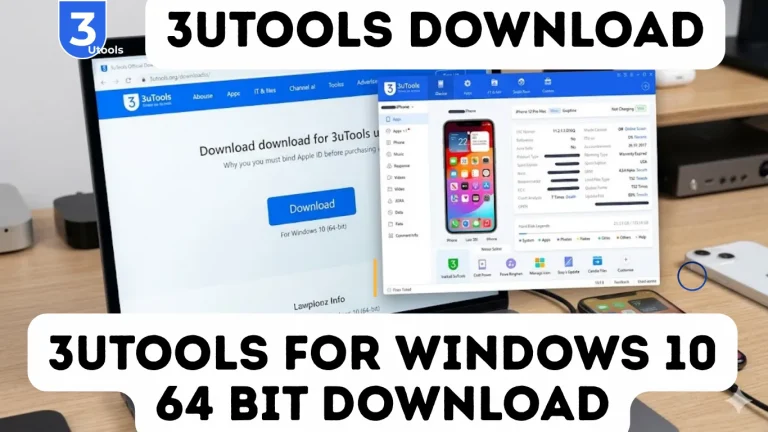
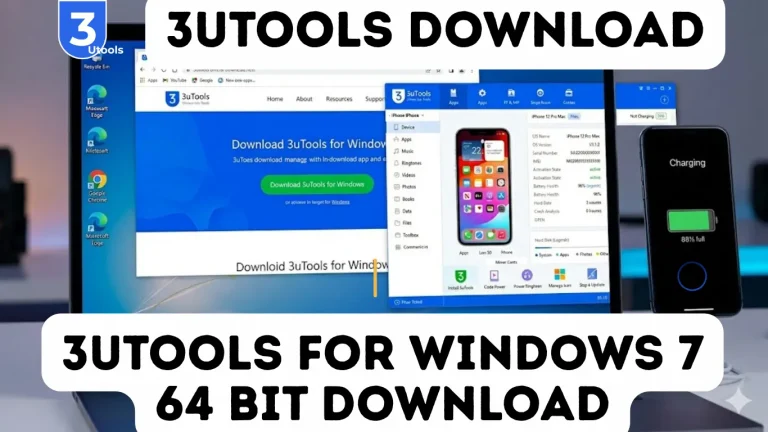
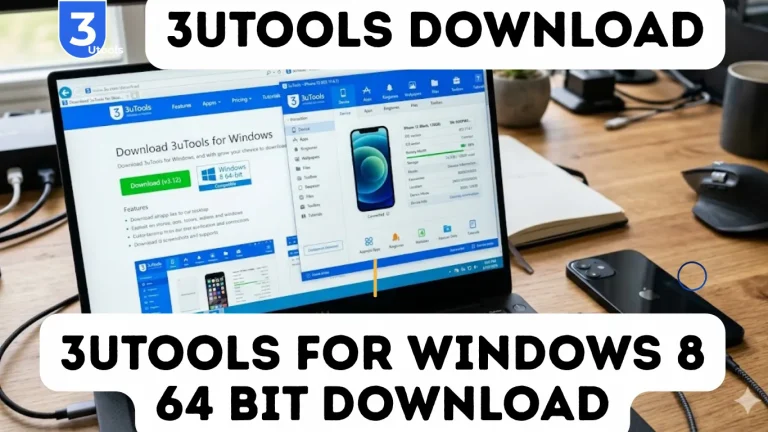
Step 3: Download and Install 3uTools
Download the latest version of 3uTools from the official website and install it on your computer. Once installed:
- Open the software
- Connect your iPhone using a USB cable
- Allow the device to trust the computer
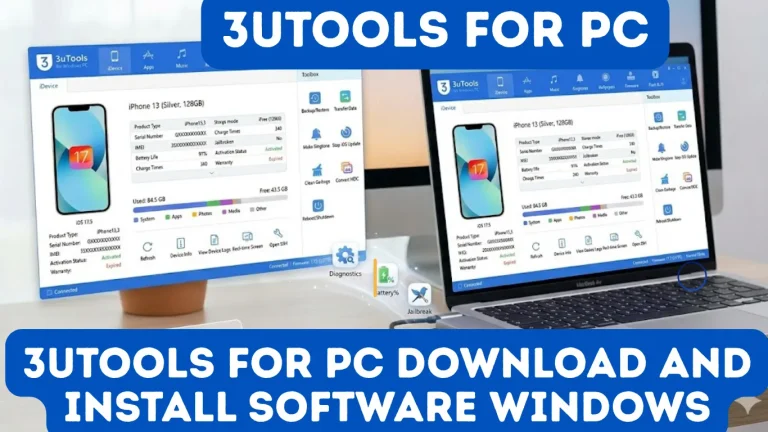
3uTools will automatically detect your device and display system information.
Step 4: Go to the Jailbreak Section
Inside 3uTools:
- Click the Toolbox tab
- Select the Jailbreak option
- Choose Unc0ver jailbreak
The software will download the required jailbreak package.
Step 5: Start the Jailbreak Process
Click Start Jailbreak.
- Your device may reboot multiple times
- The progress bar will show the exploit stages
- Do not disconnect the device
The entire process usually takes 10–20 minutes.
Step 6: Verify Jailbreak Installation
After completion:
- The Unc0ver app will appear on your device
- Open it and confirm jailbreak status
- Install Cydia or Sileo package manager
These tools allow you to install jailbreak tweaks and custom apps.
Common Jailbreak Problems and Fixes
Even reliable tools may encounter occasional problems.
Here are some common issues and how to fix them.
Device Not Detected
If 3uTools does not detect your device:
Jailbreak Stuck During Exploit
If the jailbreak process stops during the exploit stage:
Boot Loop After Jailbreak
If your device gets stuck in a boot loop:
This removes jailbreak modifications and restores system stability.
Pros
Cons
Conclusion
3uTools Jailbreak offers iPhone users the freedom to customize and enhance their devices beyond Apple’s default limitations. While iOS provides excellent security and stability, many users prefer the flexibility that jailbreaking offers.
Using 3uTools with Unc0ver makes the process easier and safer by handling compatibility checks, drivers, and installation steps automatically.
However, users should always take precautions such as backing up data and installing tweaks from trusted sources. When done correctly, jailbreaking can transform your iPhone into a much more powerful and customizable device.